
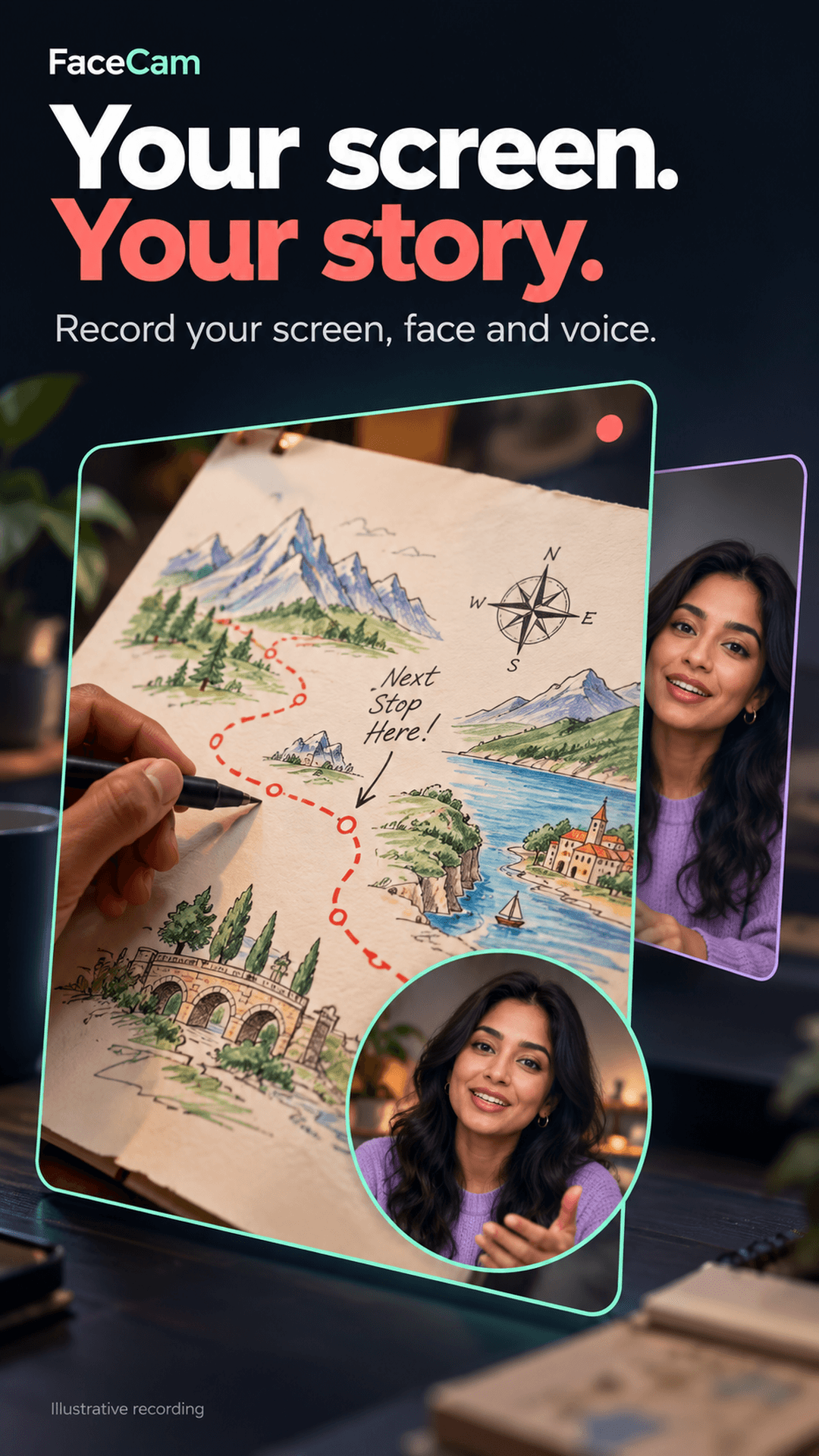
Your Screen.
Your Face.
Your Story.
Record mobile gameplay commentary, app walkthroughs, lessons, and reactions with intelligent on-device FaceCam tools — 100% private, zero cloud uploads, and completely free.
Test Drive FaceCam Directly In Your Browser
Interact with our simulated studio features below. Experience how FaceCam solves common mobile creator pain points before installing.
Dual-Track vs Flattened Recording Architecture
Why non-destructive independent source tracks change mobile video creation
Recorded Master Tracks3 Independent Stems
Designed for Creators Who Demand Total Control
From mobile gaming Let's Plays and software walkthroughs to whiteboard math lessons, FaceCam replaces cluttered utilities with one cinematic on-device studio.
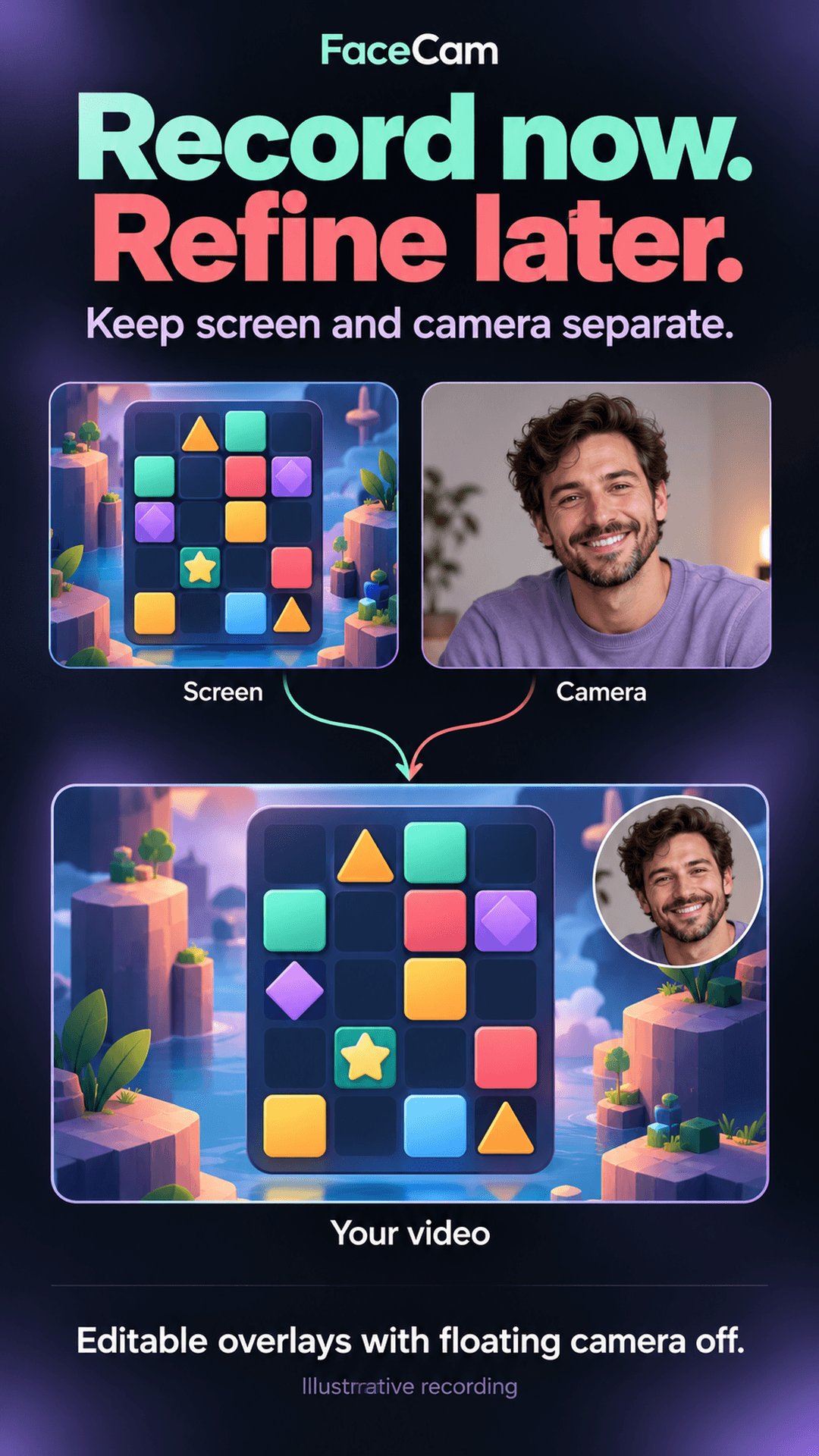
Dual-Track Independent Capture
Record your screen and your face as two completely separate raw video streams. Never worry about covering game scores or app buttons during a live take.
- Zero destructive burning
- Reposition FaceCam in post
- Change shapes anytime
Tutorial Studio Whiteboard
Turn a blank canvas into an engaging recorded lesson. Draw with pen, pencil, and highlighter on dot-grid, ruled, or dark paper while FaceCam captures your facial explanations.
- Clean exports exclude toolbars
- Stylus & pressure support
- Multi-page documents
MediaPipe On-Device AI Polish
Apply smart face auto-centering, studio bokeh blur, or complete background removal to your camera track during MP4 export. Zero bytes sent to cloud servers.
- Smart face centering
- Natural depth bokeh
- No green screen required
Internal Audio + Mic Mixing
Capture crisp internal game soundscapes and commentary simultaneously. Balance microphone levels against device audio with independent faders before exporting.
- AudioPlaybackCapture API
- Independent volume faders
- Mute mic on the fly
Smart Start & Floating Controller
Launch your game or presentation cleanly. Start with 3s, 5s, or 10s countdowns or trigger capture only after you switch to your destination app via floating bubble.
- Customizable countdowns
- Start when ready
- Notification shade controls
Private By Design · Zero Ads
FaceCam contains no accounts, no subscriptions, no tracking telemetry, and no ad networks. All processing and rendering occur strictly on your Android hardware.
- No user accounts
- No cloud uploads
- Gallery & share sheet
How FaceCam Transforms Your Take
A seamless non-destructive flow from your initial idea to a pristine exported MP4 video.
Choose Your Canvas
Screen + Face, Screen Only, or Tutorial Whiteboard
Pick how you want to present. Select front or rear camera, enable internal audio or microphone, and set your desired resolution.
Start When Ready
3s, 5s, 10s Countdown or Floating Controller
Capture In The Moment
Notification Actions & Zero Video Pollution
Refine & Shape In Post
Move FaceCam, Change Shapes, Apply AI Effects
Trim, Mix & Export
Independent Audio Sliders & High-Bitrate MP4
Crafted For Android Excellence
Inspect actual app workflows, real settings, and verified creator outputs straight from the studio.
Your Screen. Your Story.
Capture your screen, face, and voice simultaneously with crystal-clear sync.
Why FaceCam Stands Apart
Compare FaceCam against typical Android screen recording apps.
| Feature / Capability | FaceCam Studio | Generic Screen Recorders |
|---|---|---|
| Dual-Track Independent Video | Yes — Screen & camera tracks kept separate | No — Camera is permanently burned into screen pixels |
| Reposition & Reshape In Post | Yes — Circle, Rounded, Square anytime in editor | No — Requires recording the entire take over again |
| On-Device AI Background Effects | Yes — MediaPipe blur & removal with 0 cloud data | No, or requires paid subscription cloud uploads |
| Tutorial Studio & Whiteboard | Yes — Built-in multi-page drawing canvas & styles | No — Requires juggling separate drawing apps |
| Intrusive Ads & Video Banners | Zero Ads — Clean studio interface | Frequent full-screen ads, paywalls & countdown popups |
| Mandatory Accounts & Cloud Sign-In | None — 100% private, works instantly offline | Often requires Google/email account or cloud profile |
| Internet Permission in Manifest | Removed entirely from production release | Enabled for data harvesting and advertising SDKs |
| Internal Audio & Mic Balancing | Yes — Independent faders for game & voice levels | Single fixed gain or flattened unadjustable audio |
Everything You Need To Know
Clear, transparent answers about FaceCam features, Android permissions, and local workflows.
Start Your Next Great Take Today
Record gameplay walkthroughs, math tutorials, software demos, and creative reaction videos with dual-track independent camera controls — 100% private on Android.