
Engineered For The Modern Mobile Creator
Discover the technical decisions that make FaceCam distinctly powerful: independent multi-track capture, hardware-accelerated MediaPipe intelligence, and zero-compromise on-device privacy.
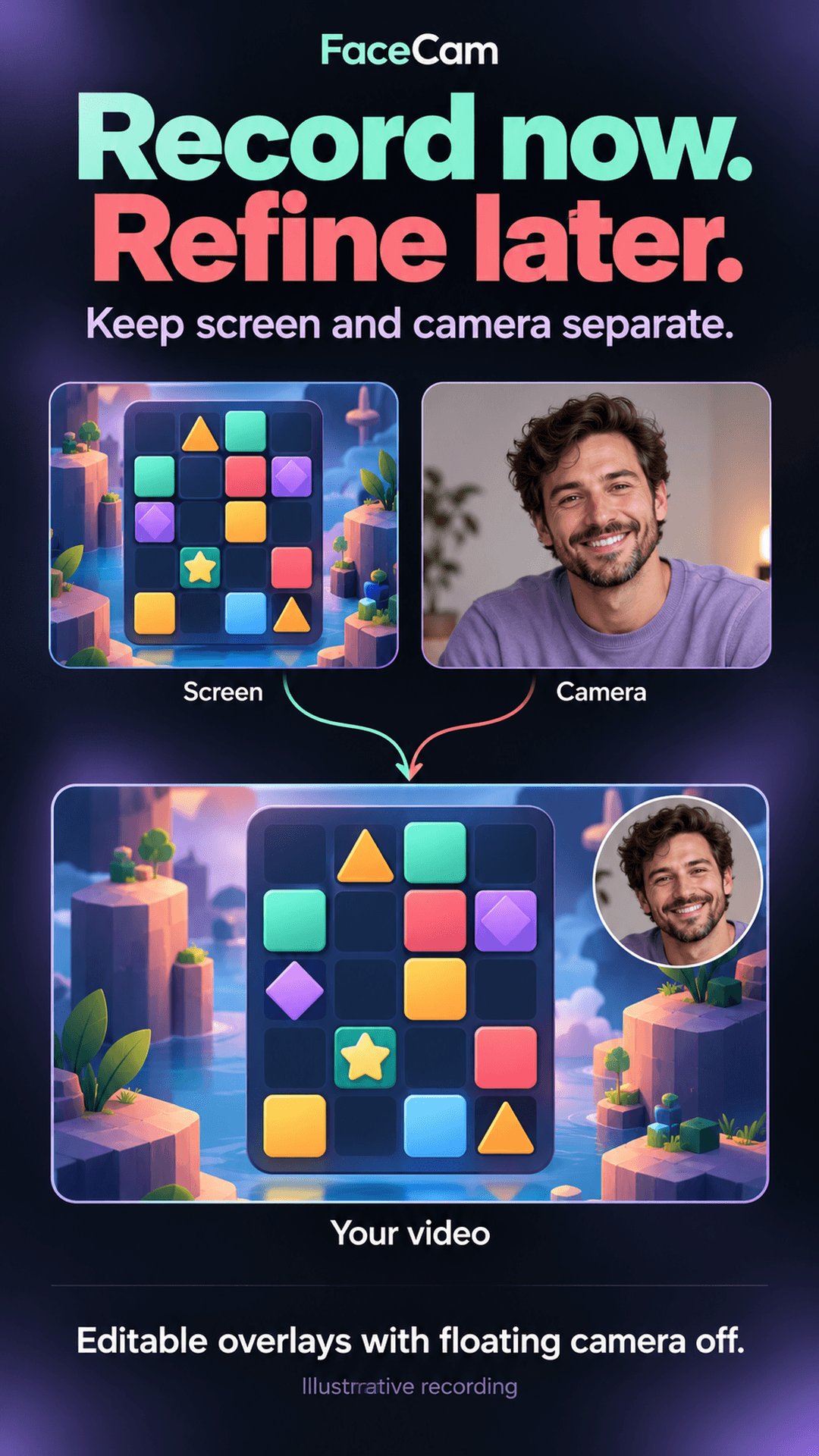
Dual-Track Independent Recording
In traditional screen recorders, your camera overlay is permanently baked onto your screen recording. If your face happens to cover an in-game minimap, chat prompt, or code syntax, your entire take is ruined.
FaceCam changes this paradigm. When floating camera preview is disabled, the Android screen stream is written to screen.mp4 while your camera is recorded to an independent camera.mp4 track.
- Move FaceCam to any position or preset corner after recording
- Switch between Circle, Rounded Rectangle, and Square shapes
- Original source files are always preserved untouched
MediaPipe Smart Framing & Background Effects
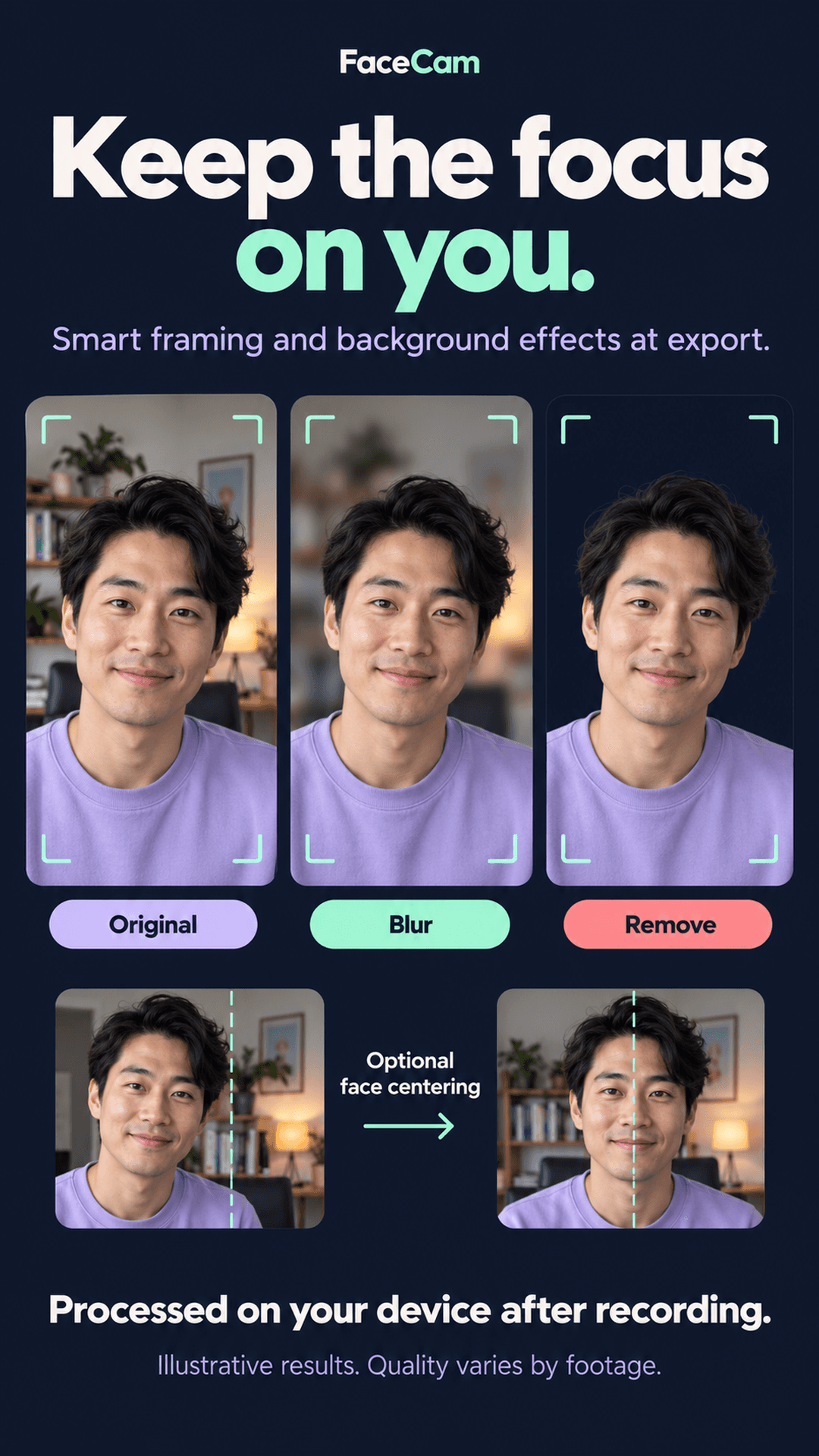
FaceCam brings advanced computer vision to your camera track without needing a green screen or external editing workstation.
Google MediaPipe models analyze your camera footage frame-by-frame during export. The auto-centering feature dynamically tracks facial landmarks to gently center your face within your chosen shape, while selfie segmentation separates you from your background.
- Smart Face Centering: Automatically adjusts framing for mobile head tilts
- Studio Bokeh Blur: Softens messy bedroom or office backgrounds
- Background Removal: Isolates presenter directly over your screen content
- Zero Latency During Take: Effects run at export time, preserving capture FPS
Tutorial Studio & Whiteboard
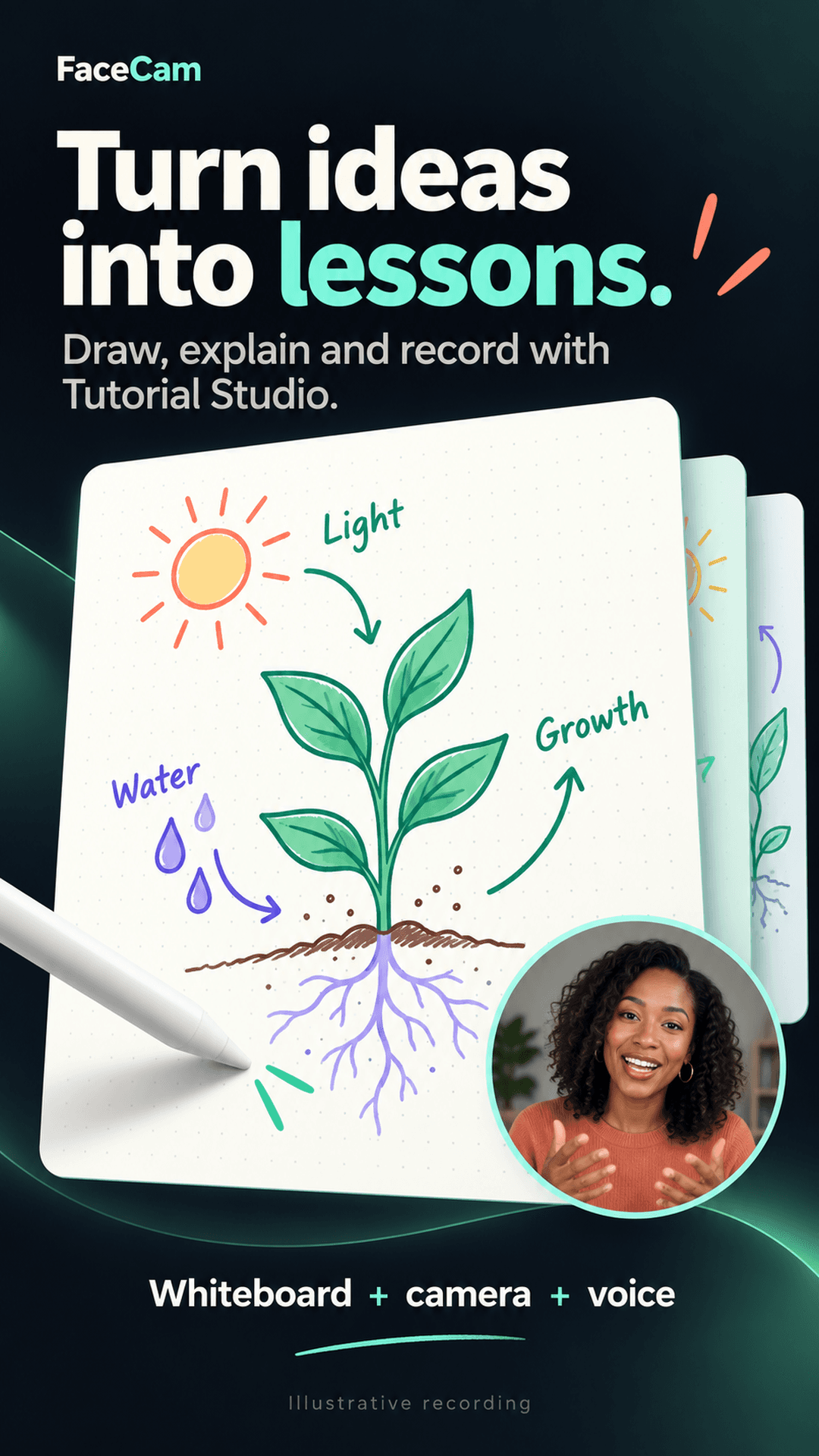
Designed specifically for educators, STEM tutors, and software instructors. Tutorial Studio turns your Android phone or tablet into an interactive blackboard without requesting invasive full-device screen recording permissions.
Vector strokes, highlighters, and paper styles render directly into the video encoder surface on a dedicated hardware thread. All editing toolbars are automatically excluded from the final exported lesson.
- Multiple paper styles: Dot grid, ruled, dark slate, and image backgrounds
- Multi-page management: Add, duplicate, switch, and reorder lesson pages
- Stylus-only mode: Ignore accidental finger touches while drawing
AudioPlaybackCapture & PCM Mixing
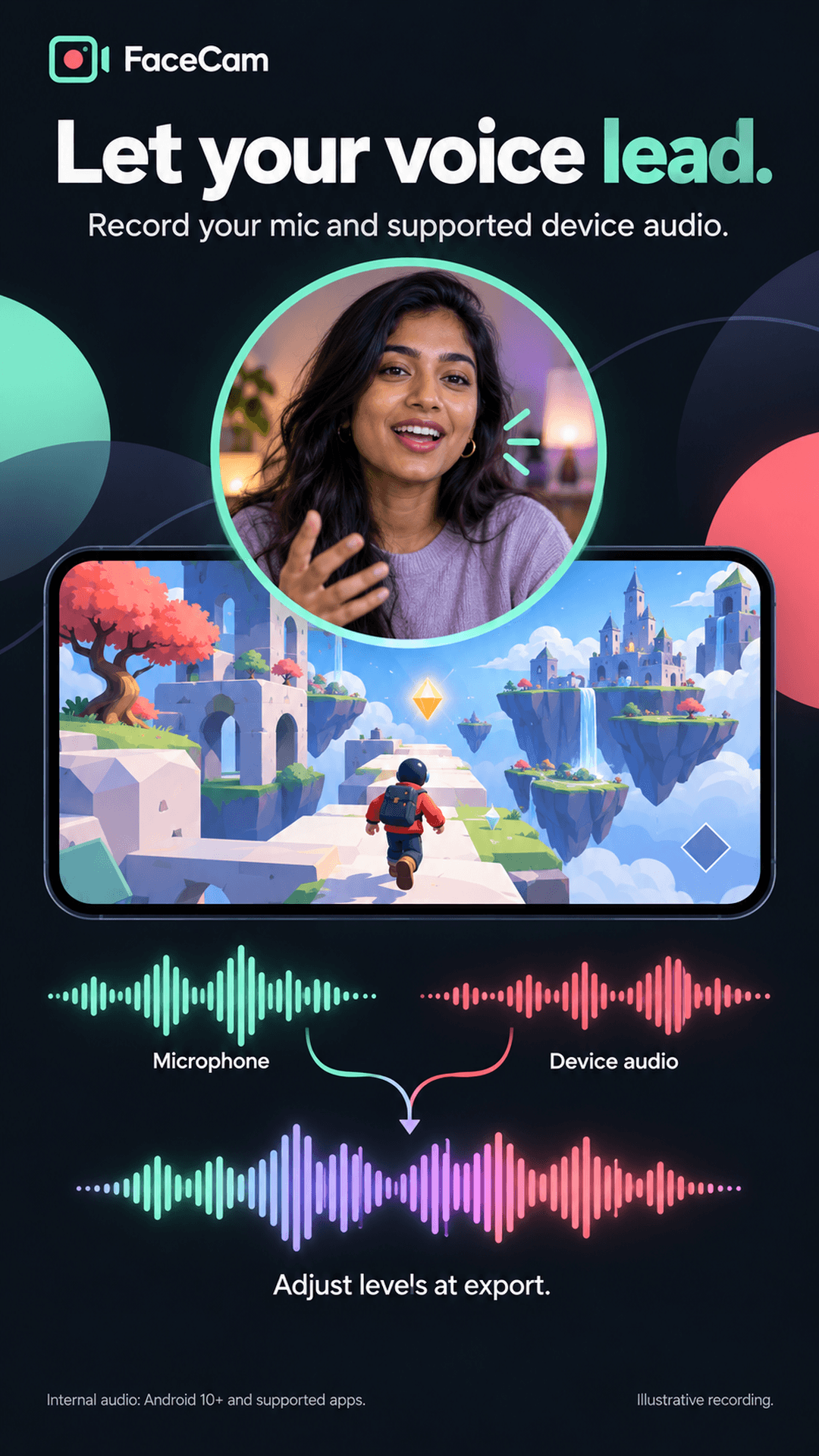
Recording your microphone against noisy mobile game audio often leads to muffled, unbalanced commentary. FaceCam provides independent digital gain faders.
Using Android's native AudioPlaybackCapture API on Android 10+, FaceCam captures raw internal audio samples directly from the operating system while concurrently writing your spoken commentary to high-fidelity uncompressed PCM streams.
- Independent Gain Sliders: Boost your voice over explosive game sounds
- Live Mute Toggle: Mute/unmute microphone anytime from notification shade
- Silent Mode: Record pristine gameplay footage with zero audio capture
Your Creations Never Leave Your Device
Unlike recorders that harvest user data, inject tracking trackers, or require continuous internet connectivity, FaceCam removes the android.permission.INTERNET permission entirely from its release build.