
Turn Any Blank Canvas Into a
Recorded Lesson
Teach on a live digital whiteboard, sketch workflows, or record app walkthroughs with synchronized voice and FaceCam — all rendered cleanly into high-definition MP4.
Interactive Whiteboard Sandbox
Draw and sketch below to experience Tutorial Studio's clean ink response
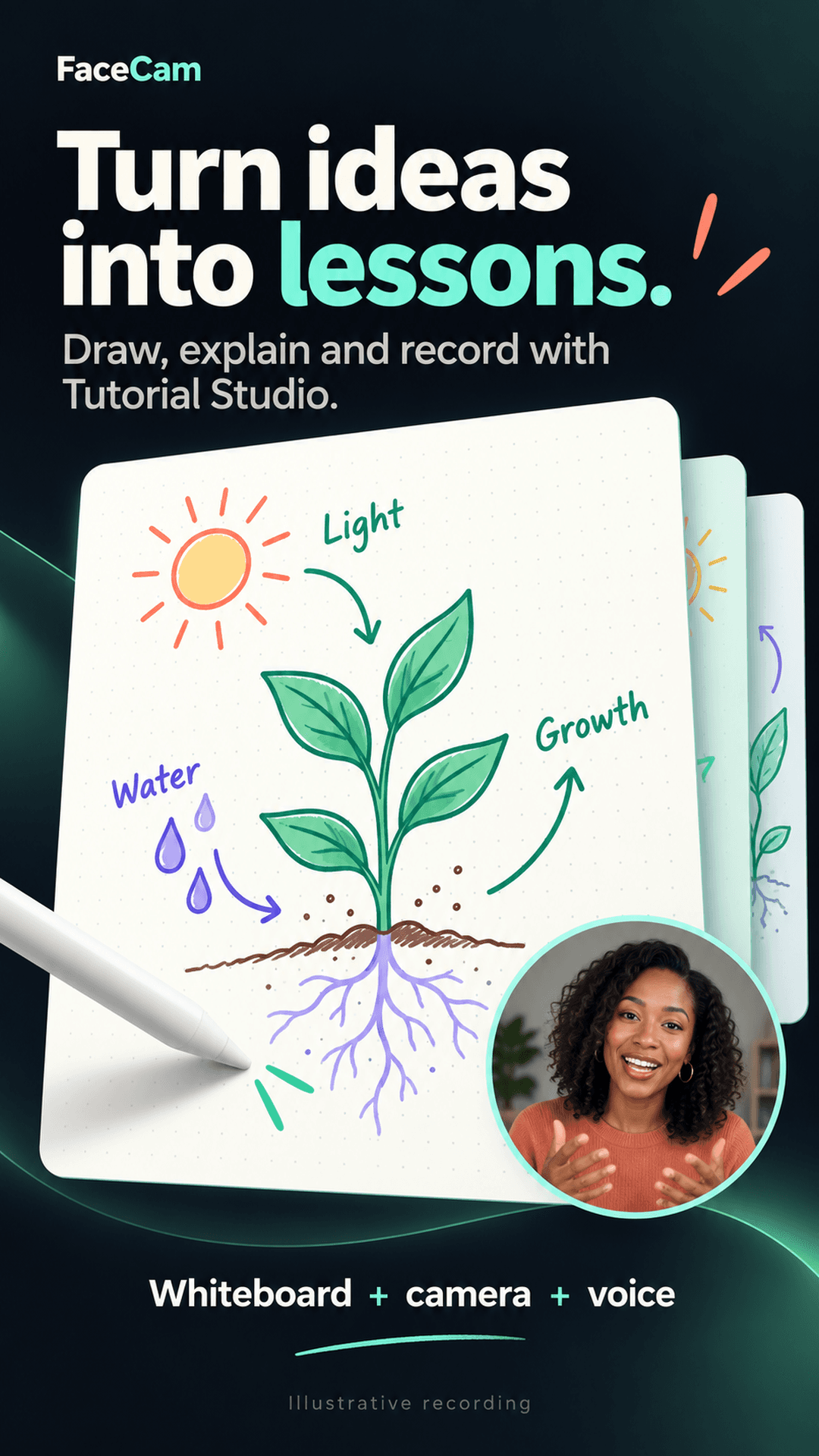
Toolbar-Free Video Output
Standard screen recorders film your entire screen, including bulky tool palettes, color pickers, and undo buttons. FaceCam Tutorial Studio records only your ink canvas and camera inset directly into the encoder.
Stylus & Pressure Sensitivity
Connect your S-Pen or capacitive stylus. FaceCam supports native Android stylus pressure and offers a 'Stylus Only' toggle that ignores accidental finger touches while you write.
Multi-Page Retained Projects
Keep multi-part lectures organized. Add new pages, duplicate complex diagrams, reorder topics, or import background photographs to annotate lab results and architectural plans.
Styles For Every Academic Subject
Choose the optimal backdrop for your teaching material without leaving the application:
- Dot Grid: Perfect for coordinate geometry, vectors, and physics graphs
- Ruled Lines: Ideal for handwriting practice, grammar, and literature notes
- Dark Slate: Reduces eye fatigue for long math derivations and coding lessons
- Imported Images: Annotate anatomical diagrams, maps, slides, and schematics